

On-Device Activity Recognition - Care Wristband
On-device activity classification on a 64 KB RAM wristband.
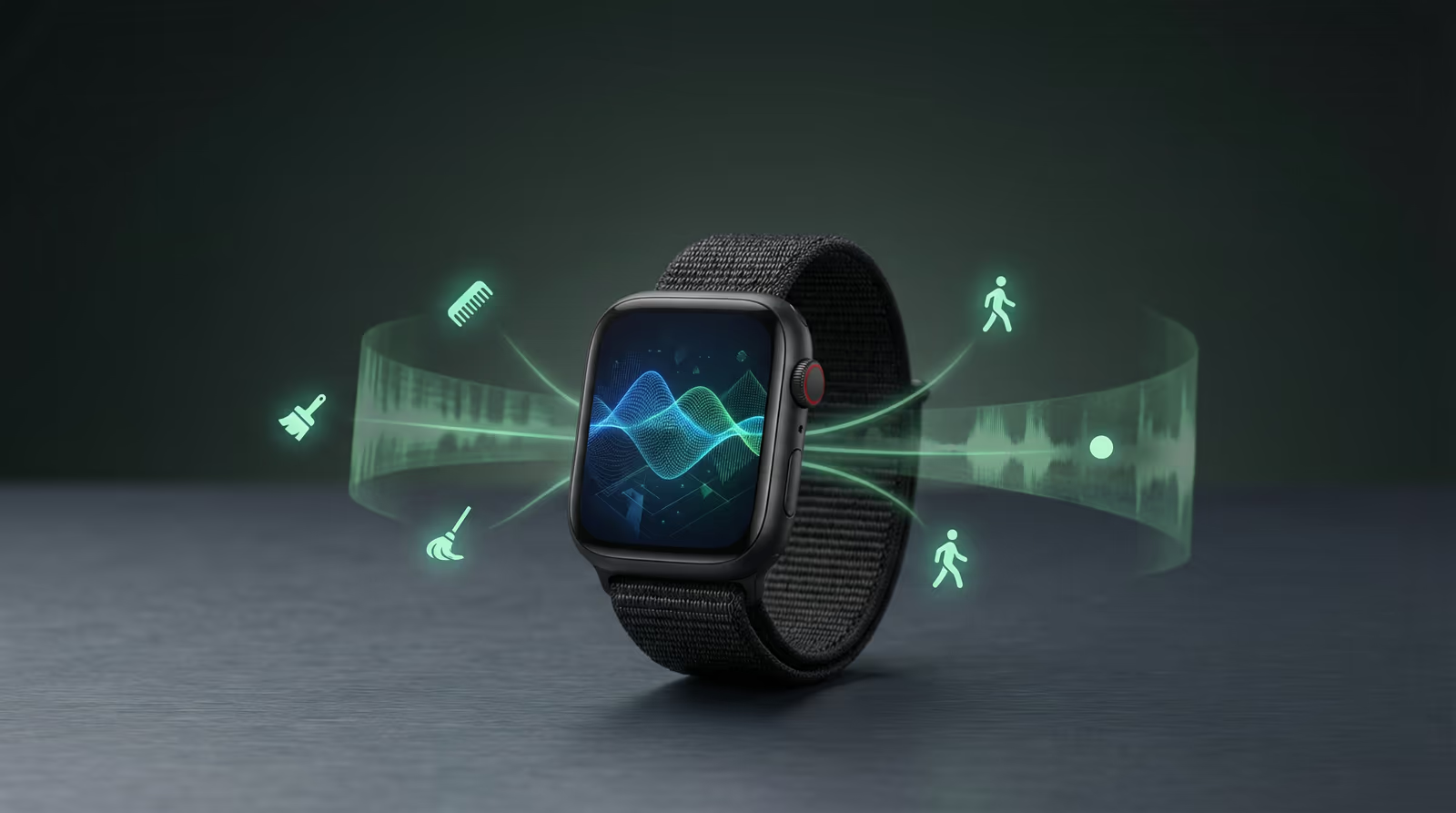
Model Iterations
Classified On-Device
Field Accuracy
Tech Stack
The problem
Care home staff have to manually log every patient interaction - recording what care was given, when, and by whom. It's slow, easy to forget, and interrupts the care itself. A wristband that could automatically detect what a caregiver is doing would eliminate that paperwork entirely - if the AI could run on a tiny chip with almost no memory and no internet connection.
The challenge
Watcherr's wristband needed to classify caregiver activities (brushing, combing, mopping, walking, idle) in real time to automatically log care interactions without manual input. The entire ML inference pipeline had to run on a Nordic nRF52832/nRF52840 MCU with 64 KB RAM and no OS - sharing cycles with BLE radio scheduling, I²C sensor polling, OTA firmware updates, and battery management. Streaming raw accelerometer data to the cloud for inference was not viable: latency was too high, BLE bandwidth too constrained, and care environments too connectivity-unreliable. The model had to live entirely on the device. Additionally, the LIS3DH accelerometer was fitted in different physical orientations across three hardware variants (B7, B8, W7), requiring axis-flip compensation so a single trained model worked across all variants.
Architecture & System Design
Wearable device accelerometer captures motion patterns. On-device machine learning model recognizes 5 daily activities with >90% accuracy. Device sends activity state changes (not raw sensor data) via Bluetooth to gateway hub. Anomaly detection distinguishes normal activity from falls or unusual motion. Gateway forwards alerts to caregiver mobile app.
The pipeline runs in four stages. First, raw 50 Hz accelerometer data is collected through custom nRF52 firmware, streamed over BLE to a PC, and labelled by activity in CSV training files. Second, Edge Impulse extracts spectral power, RMS, and zero-crossing features from sliding windows and trains the classifier. The model was evaluated over 23+ iterations from v3 to v23 as new data and edge cases surfaced. Third, the trained model is exported as a C++ library and integrated into the firmware. The LIS3DH is read through an I²C FIFO burst at 50 Hz, sending 96 floats per burst into the Edge Impulse ring buffer through `ei_wrapper_add_data()`. When a full classifier window is ready, `ei_wrapper_get_data()` runs DSP and TFLite Micro inference in place. A 90% confidence threshold and anomaly score decide which classifications to accept. Fourth, a local Python WebSocket and HTML viewer streams classified activities from the BLE gateway for field debugging and demos.
Results
The on-device activity recognition pipeline ran reliably across three hardware variants (Minew B7, B8, KKM W7) in live care-facility deployments across Belgium and the Netherlands. Over 23 Edge Impulse model iterations, classification confidence on the 5 target activities exceeded 90% in field conditions. The 2-second minimum activity duration filter eliminated spurious short transitions, and the anomaly score threshold cleanly rejected out-of-distribution motion. The local activity viewer made field debugging immediate - real-time classification visible in a browser without any cloud dependency. Watcherr subsequently rebranded as ixicare; the platform and devices continue operating under that brand.
Gallery & Demos
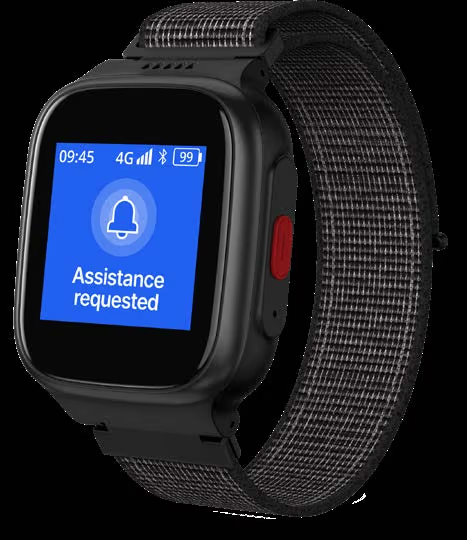
Watch Alert Notification
Smartwatch displays activity alerts - when caregivers detect unusual patterns (falls, no movement), the device vibrates and shows a clear alert.
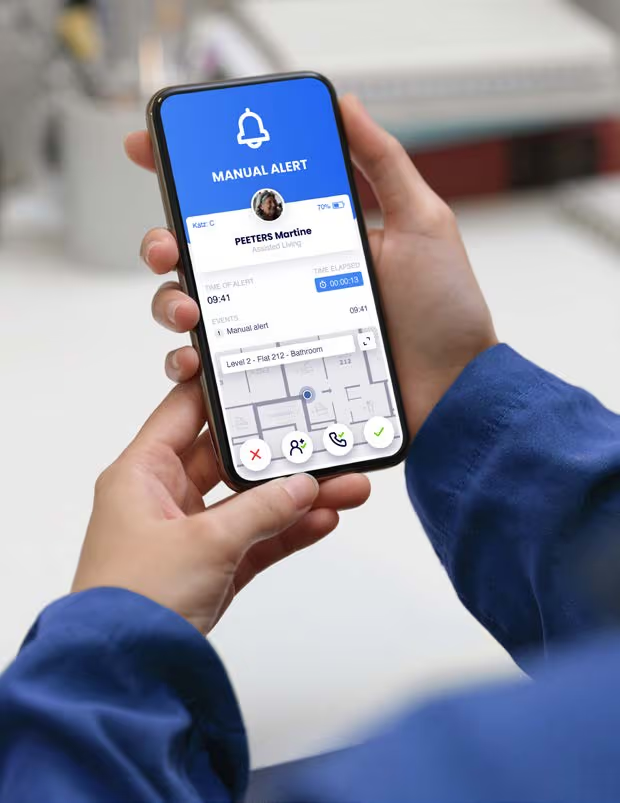
Phone Alert
Smartphone app notifies family or caregivers of alerts in real-time, letting them check on loved ones immediately.
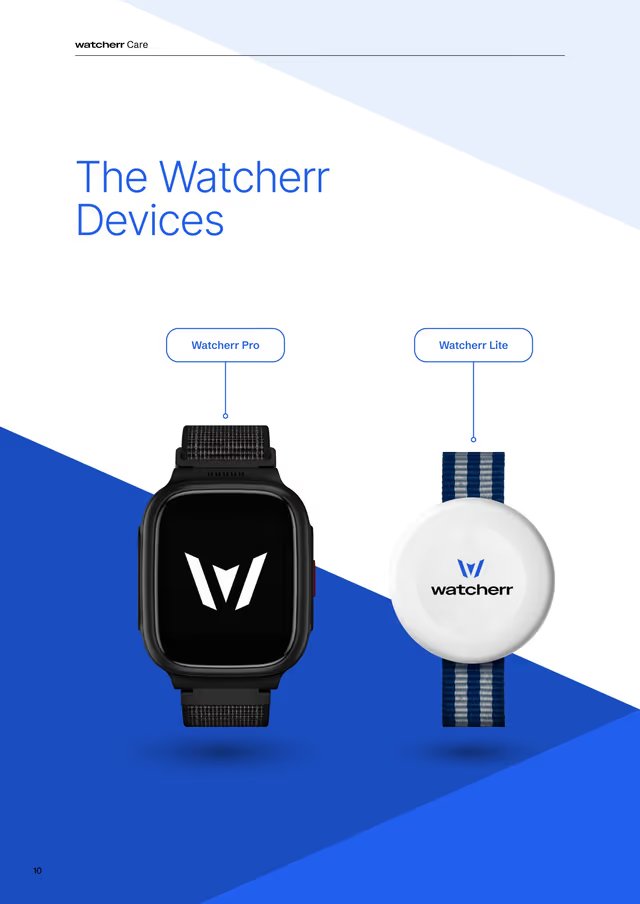
Device Lineup
Different smartwatch models (Watcherr Lite and Pro) available in various colors and styles for everyday wear.
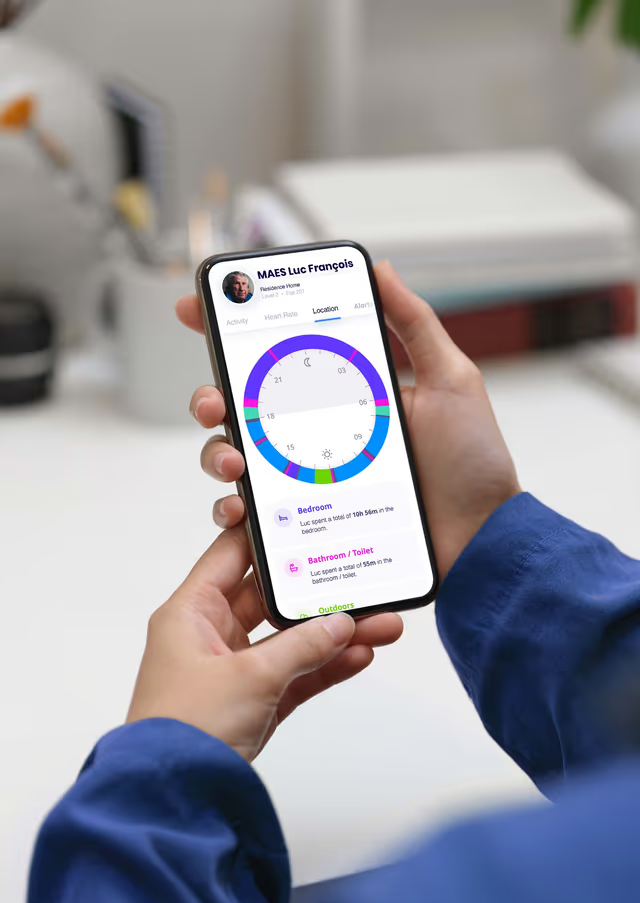
Mobile App Interface
User-friendly app showing activity dashboard, daily patterns, and alert history for monitoring.
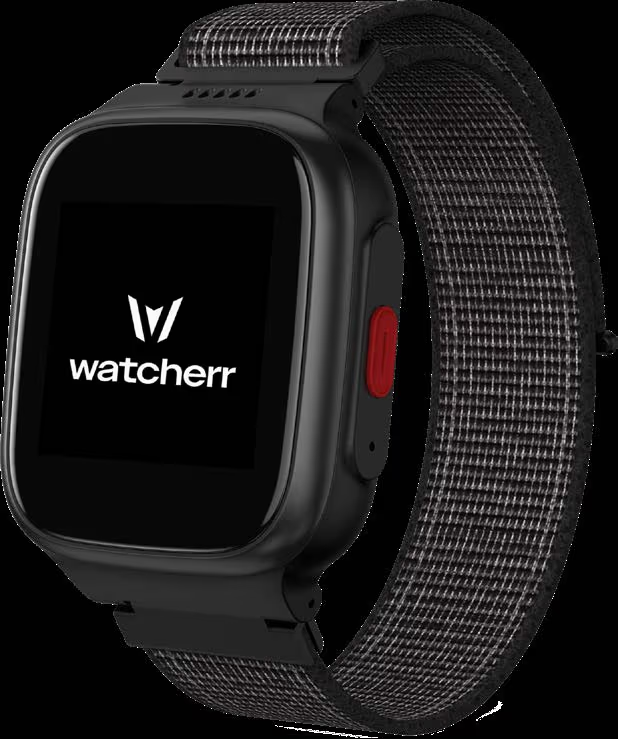
Watcherr Pro Device
Premium smartwatch model with advanced sensors and longer battery life for continuous monitoring.
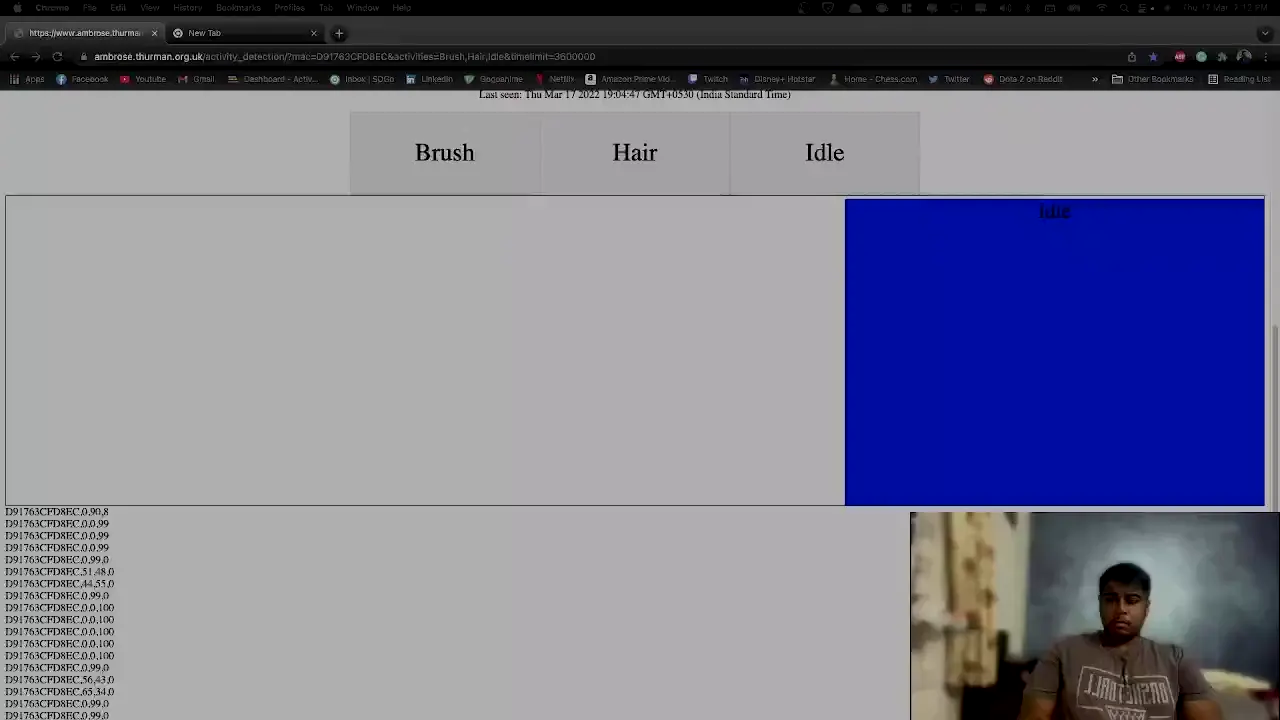
Activity Recognition Demo (Quick)
30-second clip showing the smartwatch detecting different activities: brushing, combing, walking, and idle states.
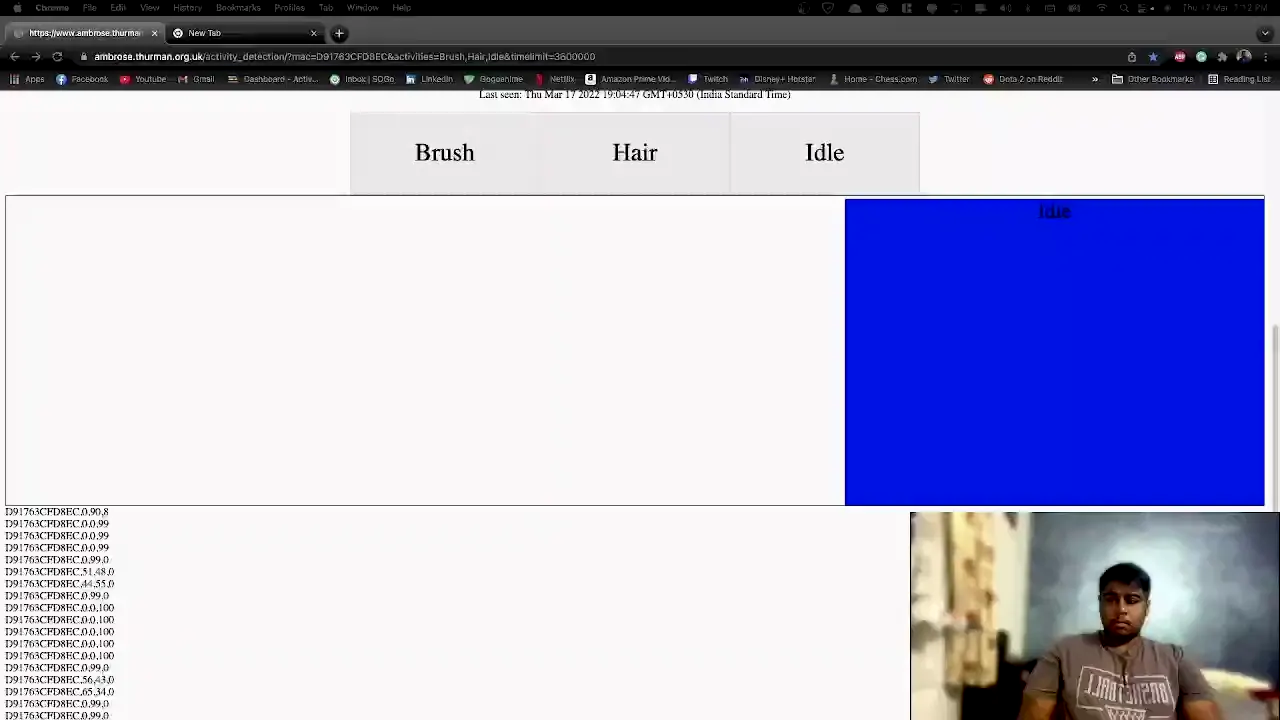
Activity Recognition Full Demo
Complete walkthrough of how the device recognizes daily activities in real-time and alerts caregivers of unusual patterns.
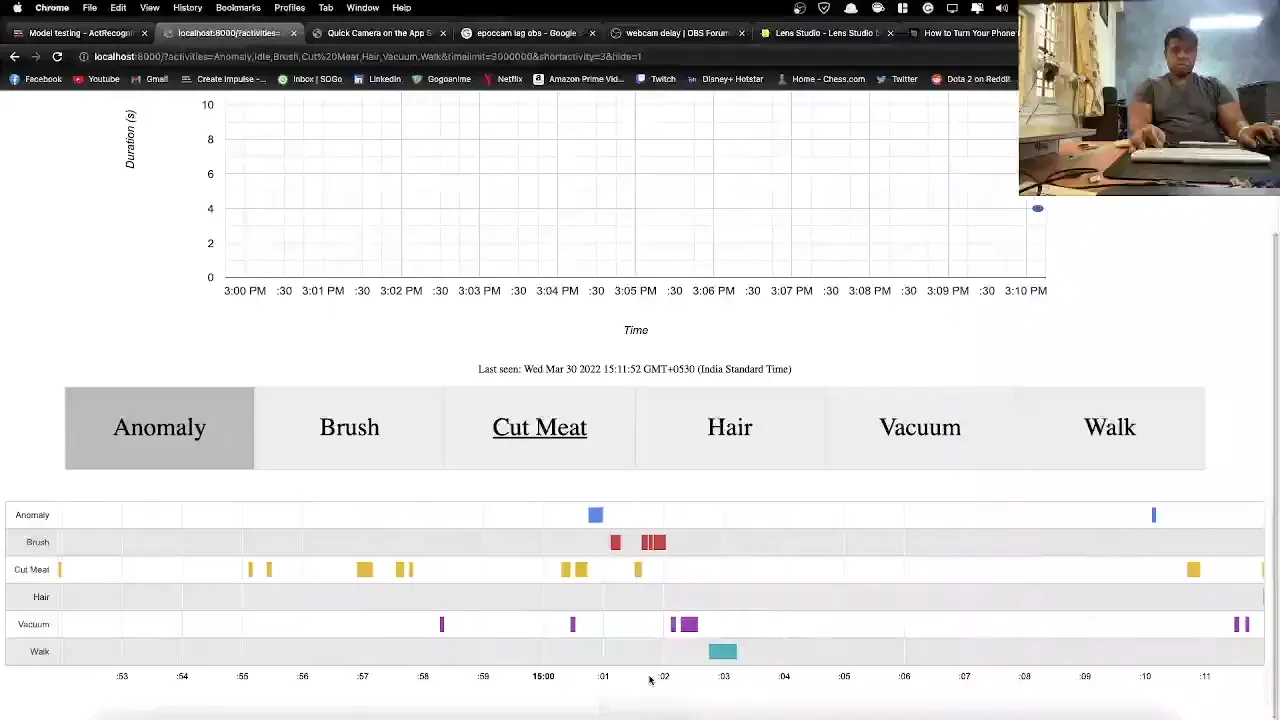
Activity Detection in Action
Live demo showing the watch detecting activities like falls or prolonged inactivity and sending immediate alerts.
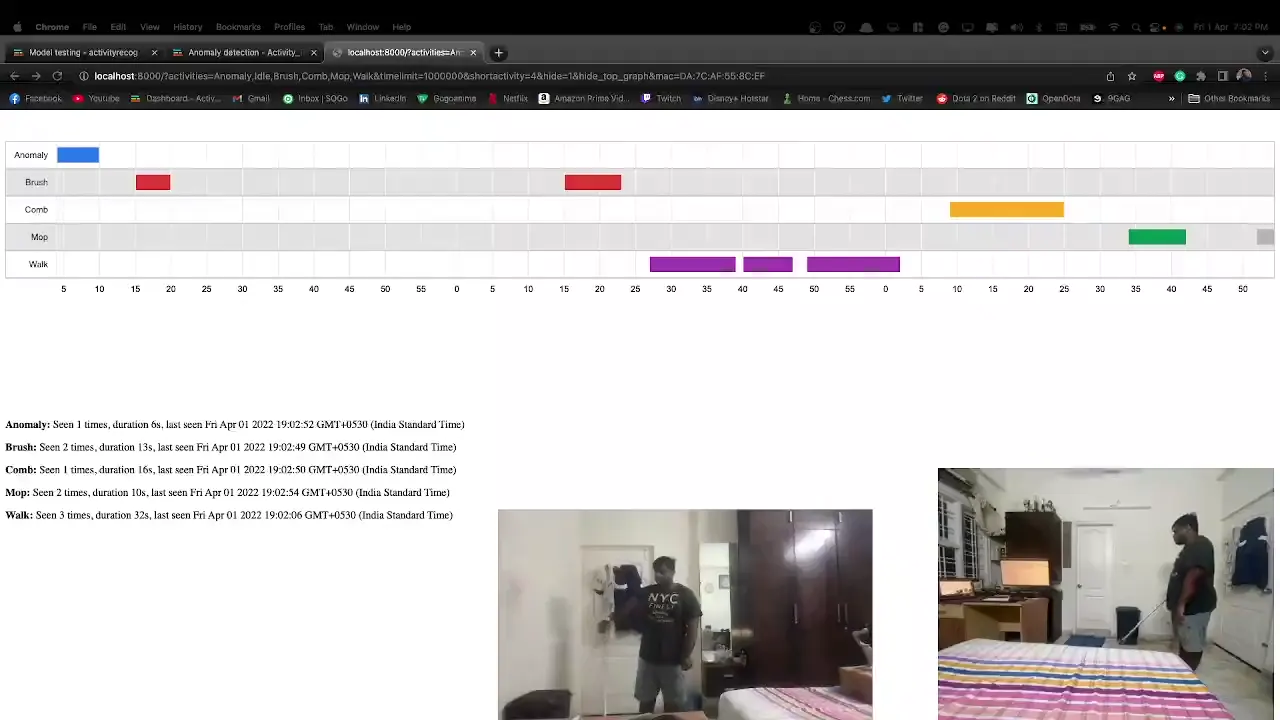
Real-World Activity Demo
Field demonstration showing the activity recognition working reliably in everyday use at care facilities.
Click any image or video to expand · ← → keys navigate
Hardware & Firmware QA - IoT Wearable Platform
QA lead for the full Watcherr device family - owned test planning, structured firmware release gating, battery life validation, and risk assessment across Watcherr Lite (B7/B8), Watcherr Pro, and the G1 Gateway. 23 test reports spanning 10+ firmware versions, 344+ test cases passed with a 97.4% pass rate.
Watcherr - Connected Safety Platform
Full product ownership across the Watcherr V1 lifecycle: authored the PRD and Product Specification, defined the V1 and V2 risk assessment matrices, owned the Q3 2024 product roadmap, and led the Watcherr Pro validation presentation. Bridged care-home operational requirements with hardware and firmware engineering constraints for a regulated IoT safety device.
BLE Wearable System Architecture & Protocol Design
Contributed to the system architecture and protocol design for the Watcherr IoT wearable platform: 7 custom communication protocols (BLE packet definition, OTA DFU trigger, alarm state machine, RPC, WebSocket, sticky notification, sticky message), fail-safe system design, and software state-loop architecture spanning device, gateway, and cloud.
Interested in this work?
I can walk through the architecture and code during an interview.